

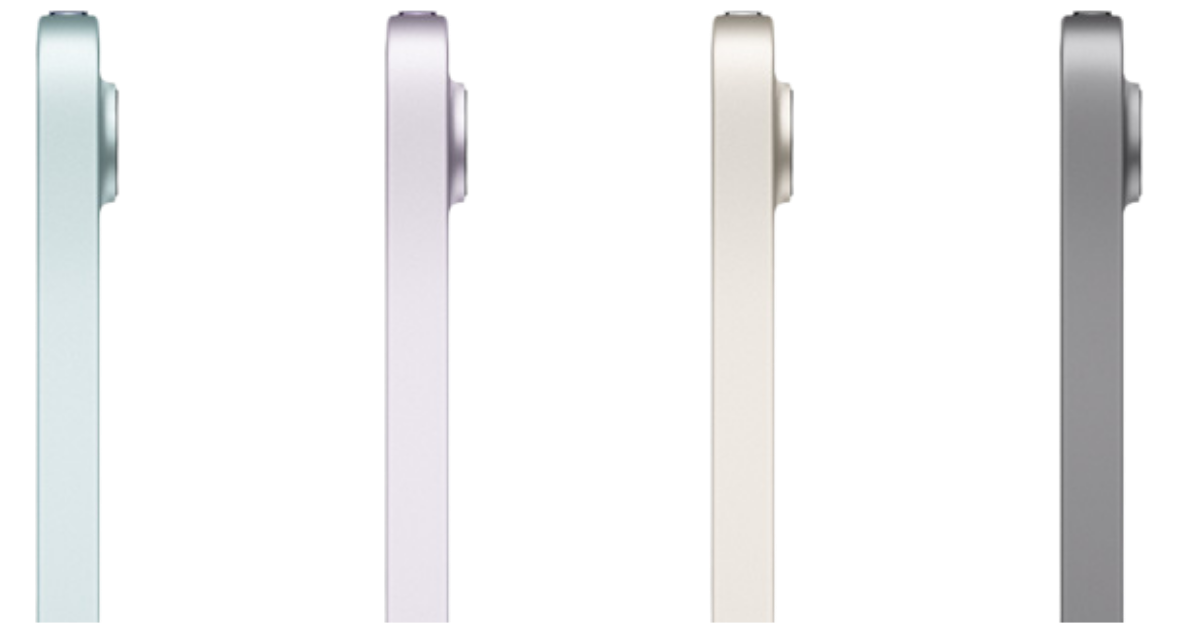
Courtesy: Apple
The One-Sentence Verdict: The iPad Mini 7 is the compact powerhouse for committed Apple users who refuse to compromise on portability — if the Mini 6 made you curious, the Mini 7 seals the deal.
Who This Review Is For
You already know the Apple ecosystem works for you. You’ve experienced the beauty of Handoff, you’ve felt the frustration of storage limitations, and you’re ready for a compact tablet that doesn’t ask you to compromise. You’re a portable professional who lives between locations, and you need a device that enhances every environment you work in.
Daily Workflow
Here’s what changed in my daily workflow:
- Contract signing – Now with Apple Pencil Pro’s squeeze gesture for quick tool switching
- 4K video editing on the go – The A17 Pro handles what made my Mini 6 struggle
- Responsiveness – The improved Apple Pencil Pro responsiveness is noticeable with zero lag
- Language learning – Chinese character practice feels more natural with better palm rejection
- Client presentations – The slightly improved display makes portfolios pop
- Reading and Bible study – Still the perfect bedtime companion
- Business events – 512GB means I never worry about storage during multi-day conferences
- Heavy multitasking – The extra RAM (8GB vs 4GB) makes app switching seamless
The MOFT case/stand combo remains essential, and the matte screen protector is still non-negotiable for Apple Pencil work.
What Actually Changed from the Mini 6
Let’s cut through the marketing and focus on what matters:
The A17 Pro Chip: This isn’t just a spec bump. The Mini 7 handles:
- 4K video editing without thermal throttling
- Running multiple professional apps simultaneously
- AI-powered features in iPadOS smoothly
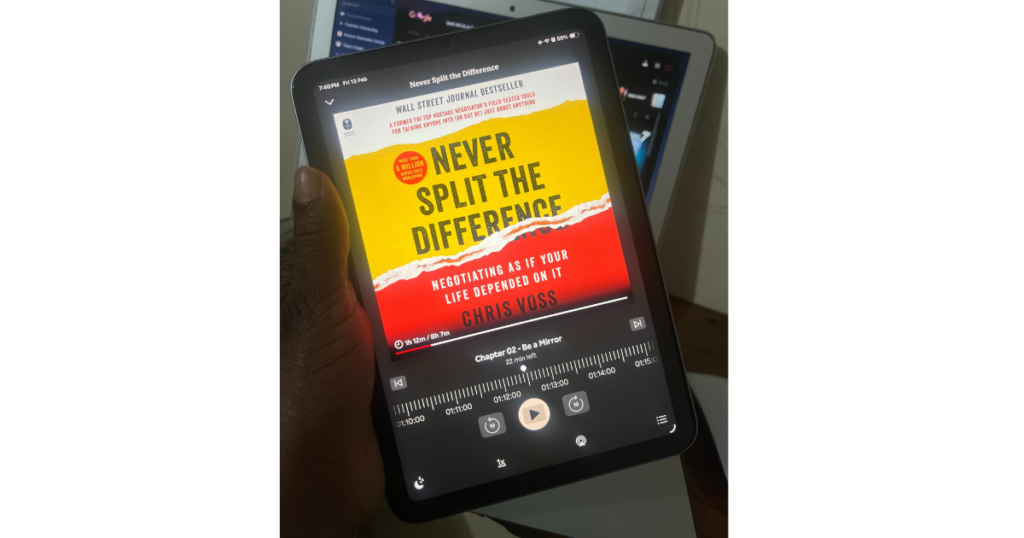
- Reading on the go is amazing. I am a Kobo enthusiast, so I have the app downloaded on all my devices
Storage That Finally Makes Sense:
- Base model: 128GB (vs. 64GB on Mini 6)
- Max storage: 512GB (vs. 256GB on Mini 6)
This is the game-changer. After watching my Mini 6’s 64GB fill up with system updates and iCloud sync, having 512GB feels like breathing room.
8GB RAM (up from 4GB): You feel this in app switching, arc navigation (I do not use Safari), and when running Stage Manager for light multitasking. The Mini 6 would occasionally reload apps; the Mini 7 keeps them in memory.
Apple Pencil Pro Support: If you’re a daily Apple Pencil user like me. The Apple Pro’s squeeze gesture and barrel roll features are productivity boosters for note-taking and sketching. No delay in writing notes.
Wi-Fi 6E: Faster wireless speeds in supported environments. Noticeable during large file uploads at modern coworking spaces.
What Didn’t Change (And That’s Good):
- Same beloved form factor and portability
- Same all-day battery life
- Same seamless Apple ecosystem integration
- Same 8.3-inch Liquid Retina display
The Wins
Storage Freedom: With 512GB, I store:
- Entire project portfolios for offline client meetings
- Downloaded language learning content
- Multiple audiobooks and ebooks
- 4K video projects without constant cloud shuffling
- Business documents, contracts, and presentations
Performance Without Compromise: The A17 Pro means I’m not making sacrifices. Video editing, photo manipulation, heavy document work—it all happens without “will this lag?” anxiety.
Future-Proofed: Apple’s software support means this device will receive iPadOS updates well into the 2030s. You’re investing in longevity.
Apple Pencil Pro Unlocked: The squeeze-to-switch-tools gesture saves seconds that add up over hours of note-taking. The improved responsiveness makes handwriting recognition more accurate.
Professional Presence: There’s something about handing a client a compact, premium device to view their portfolio that elevates the interaction. The Mini 7’s refined display makes content look exceptional.
The Trade-Offs
The Price Reality:
- iPad Mini 7 (128GB, Wi-Fi): $499 on Amazon
- iPad Mini 7 (256GB, Wi-Fi): $599 at Amazon
- iPad Mini 7 (512GB, Wi-Fi): $799 at Amazon
- iPad Mini 7 (512GB, Wi-Fi + Cellular): $949 at Amazon
Compared to the Mini 6’s current street prices, you’re paying a $150-200 premium for the upgrades. Is it worth it? If you’re already committed to Apple and portability is essential—absolutely. If you’re testing the waters, the Mini 6 is still a solid entry point.
Still a Compact Screen: If you thought the Mini 6’s screen was too small, the Mini 7 won’t change your mind. This is for people who’ve chosen portability as their priority.
Apple Pencil Pro Sold Separately: Budget an extra $129 for the full experience. The standard Apple Pencil 2 works, but you’ll miss the Pro features.
Accessory Ecosystem: Still not as robust as larger iPad models, though it’s slowly improving.
Mini 6 vs. Mini 7: Which Should You Choose?
Choose the iPad Mini 6 if:
- You’re new to the Apple ecosystem and want to test before committing
- You primarily do light tasks (reading, email, web browsing, video calls)
- Your budget is tight, and the $150-200 savings matters
- You can work within 256GB or less
Choose the iPad Mini 7 if:
- You’re already deep in the Apple ecosystem
- You do creative work (video editing, digital art, heavy note-taking)
- Storage anxiety is real—you’ve hit limits before
- You use your tablet for professional presentations and client work
- You want a device that’ll stay relevant for 5+ years
Still skip the Mini line if:
- Screen real estate is non-negotiable
- You never leave your desk setup
- You need the absolute best display for color-critical work (get the iPad Pro)
The Bottom Line
The iPad Mini 7 does not re-invent the compact tablet—it perfects it. Apple listened: we needed more storage, more power, and better multitasking. They delivered without sacrificing the portability that makes the Mini line special.
This is not a tablet for everyone. It is for portable professionals who have chosen their priorities: seamless ecosystem integration, all-day productivity across varied environments, and a form factor that genuinely fits into life’s margins—jacket pockets, small bags, one-handed bedtime reading, easy to sign contractions ecetera ecetera.
In 2026, the iPad Mini 7 is what the Mini 6 promised to be: a no-compromise portable powerhouse for those who refuse to choose between mobility and capability.
Ready to upgrade your portable productivity?
Affiliate Disclosure: This post contains affiliate links. If you purchase through these links, I may earn a small commission at no extra cost to you. This helps support the blog and allows me to continue creating helpful tech reviews.