

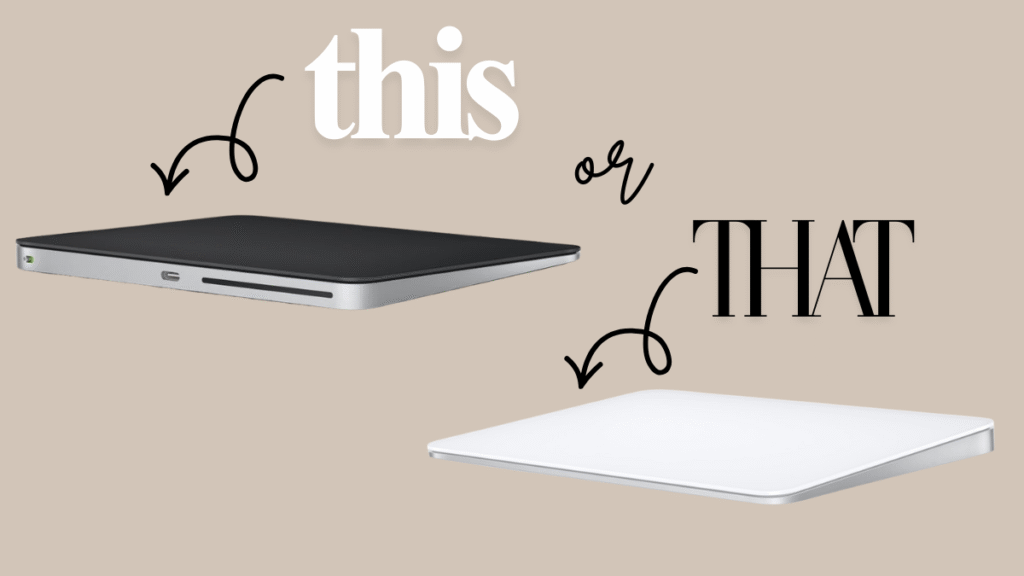
Things You Can Do With a Magic Trackpad That You Can’t Do With a Mouse
If you’re a Mac user debating between Apple’s Magic Trackpad and a traditional mouse, the trackpad offers a surprisingly versatile set of features that a mouse simply can’t match. Here’s why the Magic Trackpad might just be the upgrade your workspace needs.
1. Multitouch Gestures for Smooth Navigation
The Magic Trackpad has a large, touch-sensitive surface that supports a wide variety of multitouch gestures. You can use two fingers to scroll, pinch to zoom, rotate images with a twist, swipe between desktops or full-screen apps, and even activate Launchpad or Notification Center—all at your fingertips. While Magic Mouse supports some gestures, the trackpad’s larger surface area allows for more complex and natural motions.
2. Force Touch for Contextual Actions
A standout feature exclusive to the Magic Trackpad is Force Touch. This lets you access additional functions by pressing firmly on the surface, like looking up definitions, previewing files with Quick Look, or accessing shortcut menus. The mouse doesn’t support this pressure-sensitive click, making the trackpad a richer input device.
3. Stationary Design Reduces Hand Fatigue
Unlike a mouse that requires wrist and arm movement across a desk, the Magic Trackpad stays stationary. You glide your fingers over the surface, which can be more comfortable during long work sessions and reduce wrist strain or cramps. Users with limited desk space also benefit from not having to move the device itself.

Photo Courtesy: Pexels
Bonus: Customize Gestures and Clicks
The Magic Trackpad lets you customize gestures with macOS settings, such as changing the secondary click location (right or left corner) and enabling three-finger drags. This kind of flexibility isn’t available on a traditional mouse, allowing you to tailor the experience exactly how you like it.
In short, while a traditional mouse still has its place for precision clicking and smaller setups, the Magic Trackpad offers unique, touch-based interactions delivering productivity boosts and comfort that a mouse cannot. If you want to unlock a new level of Mac interaction, the Magic Trackpad is worth considering as your new input companion.
Affiliate Disclaimer: This post contains affiliate links. Purchases through these links may earn a small commission at no extra cost to you. Thanks for supporting the blog!